WordPress 6.0 was released earlier today, and it is the second major release of 2022.This new release contains significant updates to the full site editing experience, bringing in a new way to build websites.
In this article, we’ll show you what’s new in WordPress 6.0, and which features you should try after updating your websites.
New and Improved Full Site Editing
Earlier, WordPress introduced a block-based theme editor as part of the new Full Site Editing experience in WordPress 5.9.
WordPress 6.0 brings more improvements to the full site editing feature with new site-wide blocks, editable templates, and more patterns.
Easily Switch Theme Styles
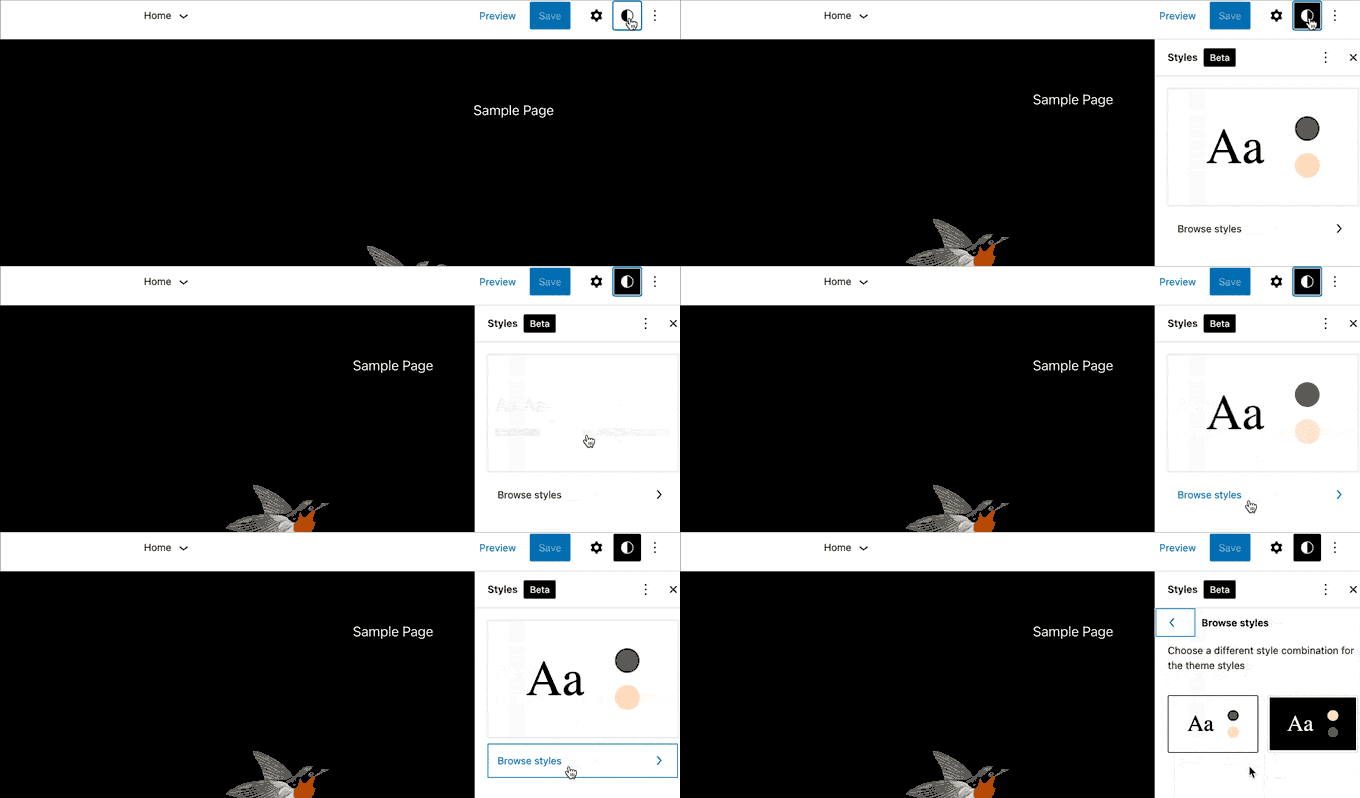
WordPress 6.0 comes with an easy way to switch your entire theme style with a single click.
Click on the Style button at the top right corner and then switch to the Browse Styles tab to see available styles for your theme.
Theme styles is a WordPress theme feature and its availability depends on your WordPress theme.
Edit More Theme Templates with WordPress 6.0
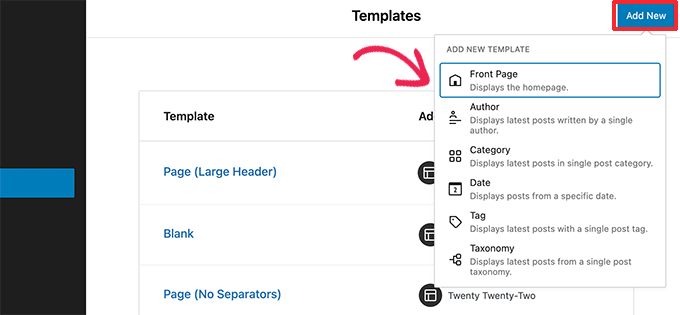
WordPress 6.0 brings the ability to edit even more templates inside the theme editor.
The new archive templates that you can edit include:
- Author
- Category
- Date
- Tag
- Other custom taxonomies
Export Your Block Theme with All The Changes
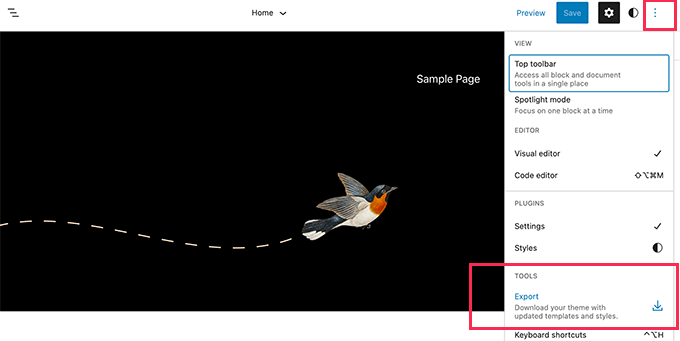
WordPress 6.0 now allows you to save and export all the changes you made to your block theme.
WordPress will prepare a theme zip file that includes all the changes you made using the full site editor. You can then download and install that theme on any other WordPress website.
New Blocks in Block Theme Editor
WordPress 6.0 brings many new blocks that you can now use inside the theme editor.
1. Comment Query Loop
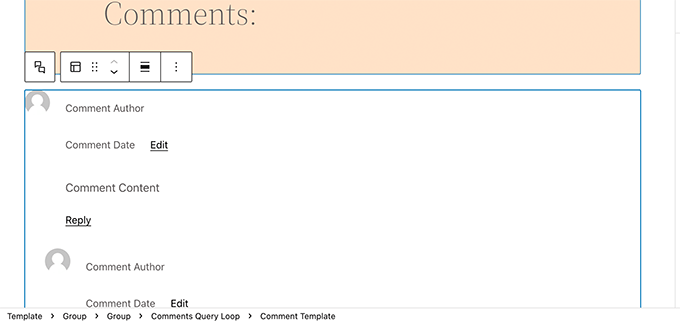
WordPress 6.0 replaces the Post Comments block with the new Comment Query Loop block.
It comes with sub-blocks like comment author name, avatar, comment content, edit link, and more. You can edit them individually to style your comments on your WordPress blog for a more engaging experience.
2. Read More Block
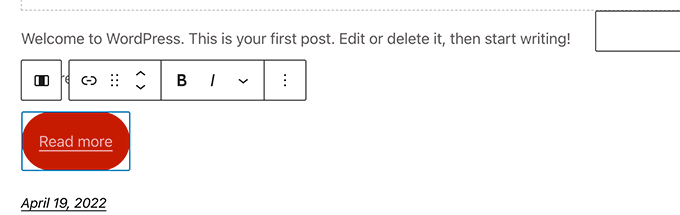
You can now add a Read More block to your post excerpts in WordPress 6.0. This allows you to apply more styling options to make the Read More link more noticeable.
3. No Results in Query Loop
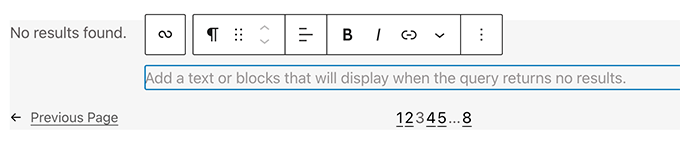
When adding a Query Loop block, you can now insert the No Results block inside it.
However, the block will only be available when your selected query doesn’t have any results.
4. Post Author Biography
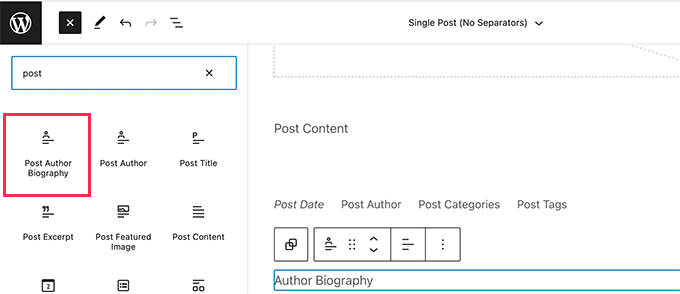
The new post author biography block can now be used along with Post Author and Avatar blocks.
5. Avatar
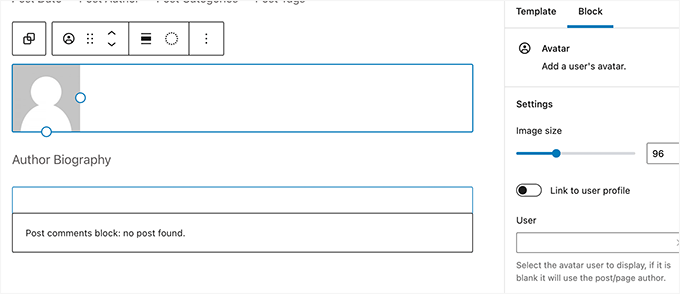
The avatar block allows you to display a user’s Avatar (profile photo). You can choose if you want to display the Avatar for a specific user or display the current post/page author’s avatar.
.png)
Comments